
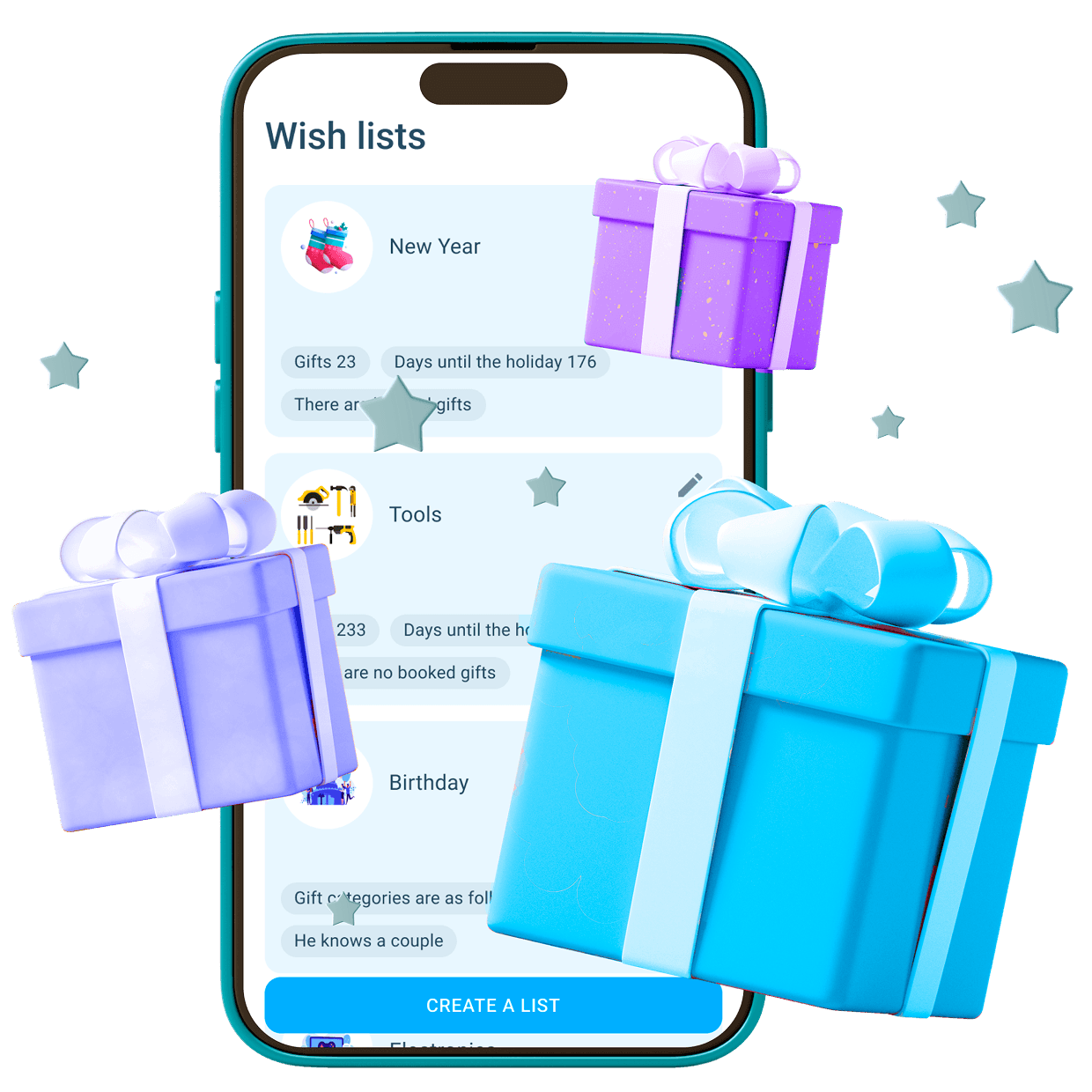
How it works
1
Create a wishlist
Create profile-specific or general wishlists. Set them for a date or leave them open-ended.

2
Add gifts to it
Upload a photo and attach a link where to buy it. No more surprises.
3
Share your list
Send friends the link and everyone will see which gift has already been reserved and which is still available.
4
Done! Receive gifts
You get cool gifts chosen by you, and friends avoid the hassle of choosing and searching.
Click 'Add Wish', enter the details, and save. To change it, select the wish and edit.
Open the list, click 'Share', and copy the link or choose a sharing method.
A selected gift can be 'reserved' — it will be marked as taken so others won't select it again.
Yes, create a new list through 'Add List' and manage them separately.
In the list settings, select 'Private' mode or restrict access for others.